Sometimes we are not aware that there are many docker images on the server whose status is <none> this can cause storage on our server to be wasted,
images with status <none> can occur from the same tag version then updated not with a new version so that the previous tag becomes untag <none>,
in this article I will try to make some simple scripting to find and delete images with the <none> tag later we will enter it into the Linux crontab.
Search for docker images
First, let’s try searching for the image with the tag to search overall use docker images
docker iamgesOr use –format for custom output
see documentation https://docs.docker.com/engine/cli/formatting/
docker images --format "table {{.Tag}}\t{{.ID}}\t{{.Size}}"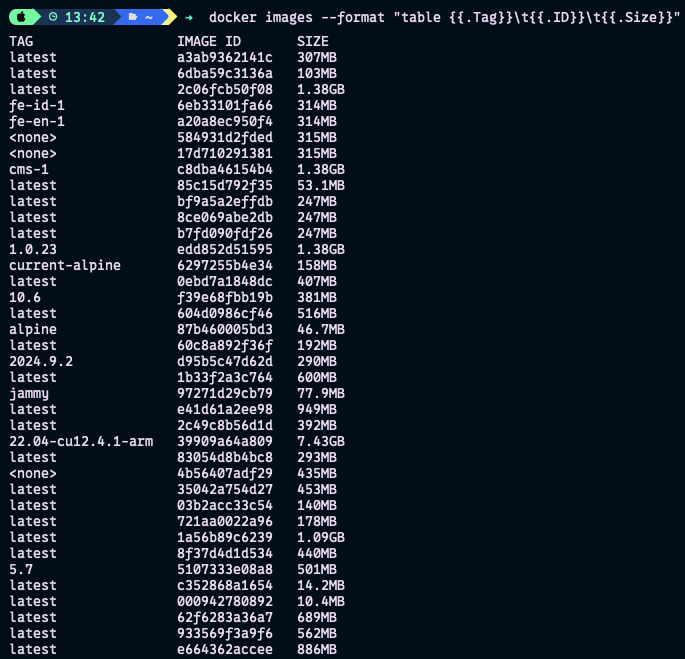
Search Dangling image
A dangling image is one that isn’t tagged, and isn’t referenced by any container. https://docs.docker.com/engine/manage-resources/pruning/
docker images --filter "dangling=true" --format "table {{.Tag}}\t{{.ID}}\t{{.Size}}"
Create script
Now only the image with the tag is displayed :), next we will try to create a bash using a loop
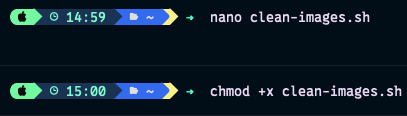
create file nano clean-images.shchmod +x clean-images.sh./clean-images.sh
#!/bin/bash

# Path to script and log file on home directory
SCRIPT_PATH="$HOME/clean_dangling_images.sh"
LOG_FILE="$HOME/clean_dangling_images.log"

# create file script clean_dangling_images.sh if no exists
if [[ ! -f "$SCRIPT_PATH" ]]; then
  cat > "$SCRIPT_PATH" << 'EOF'
#!/bin/bash

# List all dangling images (images with <none> tag)
dangling_images=$(docker images --filter "dangling=true" --format "{{.ID}}")

if [[ -z "$dangling_images" ]]; then
  echo "No dangling images found."
  exit 0
fi

echo "Dangling images found:"
echo "$dangling_images"

# Delete each dangling image
for image_id in $dangling_images; do
  echo "Deleting image ID: $image_id"
  docker rmi "$image_id"
done

echo "All dangling images have been deleted."
EOF

  # Give permition
  chmod +x "$SCRIPT_PATH"
fi

# command crontab every week at 2 AM
CRON_JOB="0 2 * * 0 $SCRIPT_PATH >> $LOG_FILE 2>&1"

# check crontab
(crontab -l 2>/dev/null | grep -F "$CRON_JOB") && echo "Crontab job already exists." && exit 0

# Add crontab if not exsists
(crontab -l 2>/dev/null; echo "$CRON_JOB") | crontab -

echo "Crontab job Added:"
echo "$CRON_JOB"

# check logfile
if [[ ! -f "$LOG_FILE" ]]; then
  touch "$LOG_FILE"
  chmod 644 "$LOG_FILE"
fi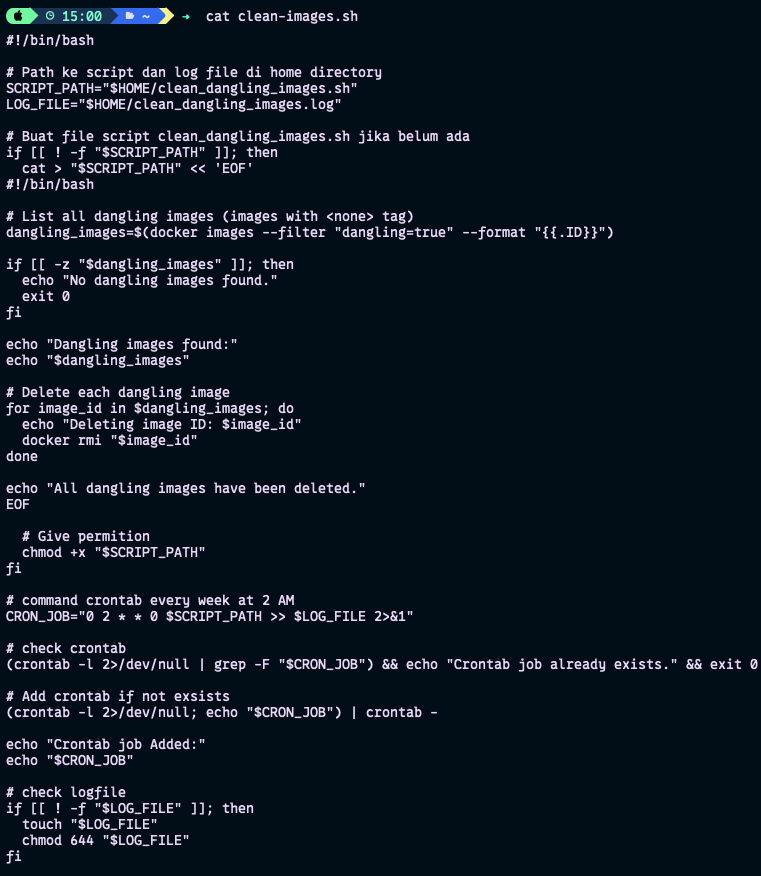
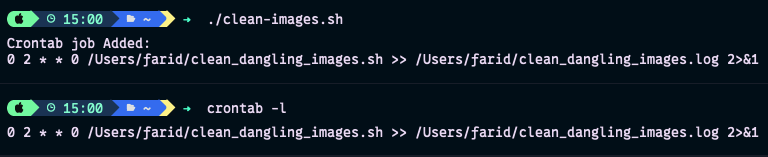


View crontab script & test to execute
cat clean_dangling_images.sh#!/bin/bash
# List all dangling images (images with <none> tag)
dangling_images=$(docker images --filter "dangling=true" --format "{{.ID}}")
if [[ -z "$dangling_images" ]]; then
echo "No dangling images found."
exit 0
fi
echo "Dangling images found:"
echo "$dangling_images"
# Delete each dangling image
for image_id in $dangling_images; do
echo "Deleting image ID: $image_id"
docker rmi "$image_id"
done
echo "All dangling images have been deleted."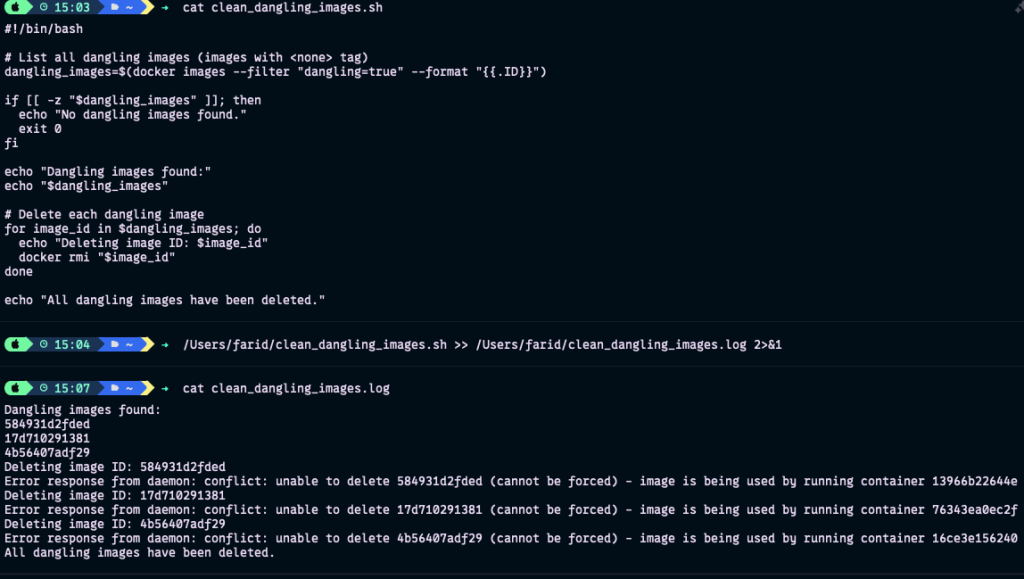
I apologize because the existing image seems to be still in use 😁✌🏼